
Selling internationally is no longer optional for ambitious ecommerce brands. Cross-border ecommerce is projected to account for over 20% of all online retail by 2027, and UK brands are particularly well-positioned to capitalise on this growth. The challenge has always been operational complexity: managing multiple currencies, languages, tax obligations, and localised shopping experiences.
Shopify Markets changes that equation entirely. Launched in 2022 and significantly expanded since, it provides a centralised platform for managing international selling from a single store. No more running separate storefronts for each country. No more cobbling together apps for currency conversion. No more guessing at duty calculations.
This guide walks you through every step of setting up Shopify Markets, from initial configuration to advanced optimisation. We have configured international selling for dozens of UK brands, and we share the practical lessons that documentation alone does not cover.
What is Shopify Markets and why it matters
Shopify Markets is Shopify's built-in international selling solution. It consolidates all the tools you need for cross-border commerce into a single management interface within your Shopify admin.
Before Shopify Markets, international selling on Shopify typically required a patchwork of apps and workarounds. You might use one app for currency conversion, another for geolocation, a third for duty calculation, and manually manage separate price lists. This approach was fragile, expensive, and difficult to maintain.
Shopify Markets replaces all of that with native functionality. Here is what it provides out of the box:
- Multi-currency support. Display prices and process payments in local currencies with automatic or manual conversion rates.
- Language management. Serve your store in multiple languages with proper hreflang tags for SEO.
- Duties and import taxes. Calculate and optionally collect duties at checkout for full price transparency.
- Country-specific pricing. Set different prices for different markets, including percentage adjustments or fixed prices per product.
- Local payment methods. Offer region-specific payment options like iDEAL in the Netherlands or Bancontact in Belgium.
- Market-specific product publishing. Control which products are available in which markets.
- Smart geolocation. Automatically detect visitor location and suggest the appropriate market.
For a broader look at international expansion strategy, read our international Shopify expansion guide.
Prerequisites before you start
Before creating your first market, ensure these foundations are in place:
1. Shopify Payments must be active
Multi-currency support requires Shopify Payments. If you are using a third-party payment gateway, your currency options will be limited to your store's base currency. This is a non-negotiable requirement for most international selling features.
2. Your shipping zones must be configured
You cannot sell to countries where you do not ship. Go to Settings > Shipping and delivery and ensure your shipping profiles include the countries you plan to target. Set realistic rates — international shipping costs are one of the primary reasons for cart abandonment in cross-border purchases.
3. Understand your tax obligations
Selling internationally creates tax obligations. In the EU, for example, UK businesses selling to consumers must register for VAT in each member state once they exceed the distance selling threshold (currently EUR 10,000 combined across all EU states). Consult an accountant who specialises in cross-border ecommerce before activating international markets.

Creating and configuring your markets
Step 1: Access Shopify Markets
Navigate to Settings > Markets in your Shopify admin. You will see your primary market (typically the UK if that is where your store is based) already listed. Your primary market cannot be deleted — it is the baseline against which all other markets are configured.
Step 2: Create a new market
- Click Add market
- Give your market a name (e.g., "European Union", "United States", "Australia")
- Add countries or regions to the market
- Click Save
How to group countries into markets
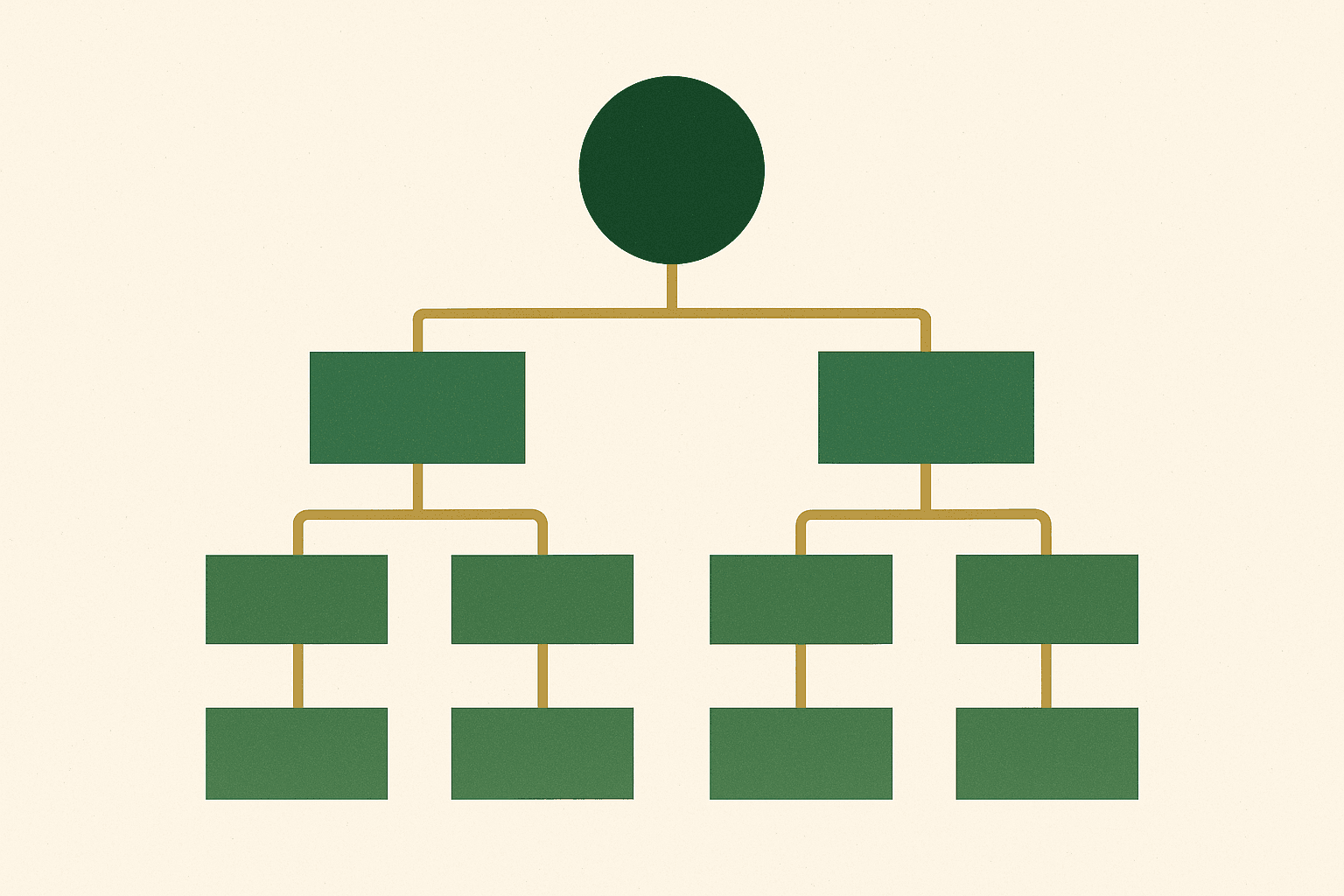
The way you group countries into markets affects your pricing flexibility, currency options, and management overhead. Here is our recommended approach based on working with dozens of international Shopify stores:
| Market | Countries | Rationale |
|---|---|---|
| United Kingdom (Primary) | UK | Your base market with GBP pricing |
| European Union | All EU member states | Similar tax requirements, EUR currency |
| United States | US | High-volume market, USD, unique tax rules |
| Rest of World | All remaining countries | Catch-all for lower-volume regions |
As individual markets grow, you can split them out into dedicated markets for more granular control. A country doing significant volume deserves its own market with tailored pricing and marketing.
Step 3: Activate your markets
New markets are created in an inactive state. Review all settings before activating. Once a market is active, customers in those countries will see the localised experience you have configured.
Setting up multi-currency
Currency is the most visible aspect of international selling. Showing prices in a customer's local currency dramatically improves conversion rates — studies consistently show a 10-15% uplift compared to displaying foreign currencies.
Automatic vs. manual exchange rates
Shopify offers two approaches:
- Automatic rates: Shopify updates exchange rates daily based on market rates. This is the simplest option and works well for most stores. Shopify adds a conversion fee (1.5% on Basic/Shopify plans, 1% on Advanced/Plus).
- Manual rates: You set your own exchange rates and update them as needed. This gives you more control over pricing but requires active management.
For a detailed walkthrough of multi-currency configuration, see our dedicated Shopify Markets international selling guide.
Rounding rules
Currency conversion often produces awkward prices like $43.27. Shopify Markets lets you set rounding rules to clean these up. You can configure prices to round to the nearest whole number, to .99, to .95, or to any custom increment.
/* Example rounding configurations:
   $43.27 → $42.99 (round down to .99)
   $43.27 → $43.00 (round to nearest whole)
   $43.27 → $44.95 (round up to .95)

   We recommend .00 or .99 endings for most markets.
   Research shows .00 endings perform well in premium
   positioning, while .99 works better for value positioning. */
Adding languages and translations
Language localisation is the second pillar of effective international selling. While many international shoppers can browse in English, offering content in their native language builds trust and improves conversion rates.
Step-by-step language setup
- Go to Settings > Languages
- Click Add language
- Select the language and click Add
- The language appears as unpublished — translate your content before publishing
- Assign the language to the relevant market in Settings > Markets
Translation approaches
You have three options for translating your store content:
- Manual translation: The highest quality option. Use professional translators for product descriptions, marketing copy, and key pages. This is essential for high-value markets.
- App-based automatic translation: Shopify Translate & Adapt or third-party apps like Weglot can auto-translate your content. The quality has improved significantly but still requires human review for marketing copy.
- Hybrid approach: Auto-translate the bulk of your content, then have native speakers review and refine product descriptions, key landing pages, and checkout copy. This is the approach we recommend for most brands.
Configuring duties and import taxes
Unexpected duties and taxes at delivery are the single biggest source of international customer complaints. Shopify Markets can solve this by calculating and collecting duties at checkout.
DDP vs. DAP
Two shipping terms govern how duties are handled:
- DDP (Delivered Duty Paid): You collect duties at checkout and include them in the shipping cost. The customer pays the full landed cost upfront and has no surprises at delivery. This is the superior customer experience.
- DAP (Delivered at Place): The customer pays duties and taxes on delivery. This means a knock on the door from a courier asking for an additional payment — a terrible experience that drives returns and negative reviews.
Enabling duty collection
- Go to Settings > Markets
- Select the market you want to configure
- Under Duties and import taxes, enable duty collection
- Ensure your products have accurate HS (Harmonised System) codes — these are essential for correct duty calculation
- Set the country of origin for each product
HS codes: getting them right
HS codes are the international classification system for traded products. Getting them wrong means incorrect duty calculations, which can result in under-collecting (you absorb the difference) or over-collecting (poor customer experience).
/* Common HS codes for UK ecommerce products:
   6109.10 — T-shirts, cotton
   6204.62 — Women's trousers, cotton
   3304.99 — Beauty preparations
   4202.21 — Handbags, leather
   6403.99 — Footwear, leather upper

   You can look up HS codes at:
   trade-tariff.service.gov.uk */
Country-specific pricing strategies
Shopify Markets gives you granular control over pricing for each market. You can apply a percentage adjustment to all products or set fixed prices for individual products.
Percentage-based adjustments
The simplest approach is to adjust all prices by a percentage for each market. This accounts for differences in shipping costs, duties, and market positioning:
- EU market: +10-15% to account for VAT differences and shipping
- US market: Use currency conversion only (USD prices tend to align naturally with GBP due to exchange rate perceptions)
- Australia/NZ: +15-20% to account for shipping costs and GST
Product-level pricing
For key products, set specific prices per market rather than relying on percentage adjustments. This is essential when:
- Your pricing needs to match local market expectations
- Certain products have different competitive landscapes in different markets
- You are running market-specific promotions
Domain and URL structure
How you structure your international URLs affects both user experience and SEO. Shopify Markets supports several approaches:
Subfolders (recommended)
peasoupdigital.co.uk/          — UK (primary)
peasoupdigital.co.uk/en-eu/    — EU (English)
peasoupdigital.co.uk/de-eu/    — EU (German)
peasoupdigital.co.uk/en-us/    — United States
Subfolders are the easiest to set up and maintain. They consolidate all your domain authority into a single domain, which benefits SEO. This is the approach we recommend for most brands starting with international selling.
Country-specific domains
peasoupdigital.co.uk     — UK
peasoupdigital.de        — Germany
peasoupdigital.com       — United States
Country-specific domains provide the strongest local SEO signals but are more complex to manage. They require separate domain purchases and DNS configuration. This approach is better suited to established brands with dedicated resources for each market.
For brands managing multiple storefronts, our multi-store Shopify setup guide covers the technical details.
International SEO considerations
Shopify Markets automatically handles several critical SEO requirements for international stores:
- Hreflang tags: Automatically generated to tell search engines which language/region version to show in search results
- Canonical URLs: Properly set to avoid duplicate content issues between markets
- Localised sitemaps: Each market gets its own sitemap entries
What you need to do manually
- Translate meta titles and descriptions for each market
- Create market-specific content where relevant (delivery information, returns policy)
- Submit translated sitemaps to regional Google Search Console properties
- Build local backlinks for each target market
Testing your international setup
Before activating a new market, test every aspect of the customer journey:
- Use a VPN to simulate browsing from the target country
- Verify prices display in the correct currency with proper rounding
- Test the checkout — ensure duties are calculated correctly and local payment methods appear
- Check language switching works correctly and translations are complete
- Place a test order to verify the entire fulfilment workflow
- Review transactional emails — are they in the correct language with localised pricing?
- Test the returns process — can international customers initiate returns easily?
Common mistakes to avoid
1. Launching too many markets at once
Start with your highest-potential market — usually the US or EU for UK brands — and get it right before expanding further. Each market requires attention to pricing, content, shipping rates, and customer service.
2. Ignoring local payment methods
Credit cards are not the default payment method everywhere. In the Netherlands, iDEAL dominates. In Germany, many customers prefer invoice-based payment. Failing to offer local payment methods costs you conversions.
3. Not accounting for returns
International returns are expensive and logistically complex. Establish clear return policies for each market before you launch. Consider whether you will offer local return addresses or whether customers must ship returns back to the UK.
4. Neglecting customer service capacity
Selling in new markets means customer enquiries in new time zones and potentially new languages. Ensure your support team can handle this before activating markets.
5. Forgetting about legal compliance
Different countries have different consumer protection laws, data privacy requirements, and product labelling standards. For EU sales, GDPR compliance is mandatory. For US sales, state-level regulations vary significantly. Get legal advice before selling into new markets.
International selling is not a feature you switch on — it is a strategy you execute. The technical setup in Shopify Markets is the easy part. The hard part is getting pricing, logistics, and customer experience right for each market.
Andrew Simpson, Founder
Shopify Markets has made international selling dramatically more accessible for UK brands. The technical barriers that once required multiple apps, custom development, and significant ongoing maintenance are now handled natively within Shopify. But the strategic and operational challenges remain.
If you are planning to expand internationally and want expert guidance on the technical setup and strategic approach, our Shopify development team has extensive experience configuring Shopify Markets for UK brands selling globally. Get in touch to discuss your international expansion plans.

