
We have managed dozens of ecommerce platform migrations, and we have inherited the aftermath of dozens more. The difference between a migration that preserves organic traffic and one that destroys it comes down to preparation. Not luck. Not platform choice. Preparation.
A well-executed migration can actually improve your SEO — faster pages, better URL structures, proper schema markup, and improved crawlability. A poorly executed one can cut organic traffic by 30-60% overnight, with some sites never fully recovering.
This guide covers everything we do to protect SEO during a platform migration, whether we are moving a store from Visualsoft to Shopify, OpenCart to Shopify, or any other platform transition.
Why most migrations fail at SEO
The fundamental problem is that most platform migrations are treated as development projects, not SEO projects. The focus is on design, functionality, and data migration. SEO is mentioned in a meeting, someone says "we will handle redirects," and then it falls through the cracks.
The three most common failure modes:
- Incomplete redirect mapping. Product pages and categories get redirected, but blog posts, image URLs, old promotional pages, and PDF documents are forgotten. Each missing redirect is a 404 error that loses link equity.
- Content stripping. Product descriptions, meta titles, meta descriptions, alt text, and page content either do not migrate properly or are deliberately removed during the "fresh start." That content was earning rankings. Removing it removes the rankings.
- Technical configuration gaps. The new platform launches without a sitemap, with broken canonical tags, with noindex tags on product pages, or with a robots.txt that blocks crawling. These issues can remain undetected for weeks.

The pre-migration SEO audit
Before you change anything, you need a complete picture of your current SEO landscape. This audit forms the baseline against which you will measure post-migration performance.
Crawl the entire existing site
Use a crawling tool (Screaming Frog, Sitebulb, or Ahrefs Site Audit) to crawl every page on your current site. Export the complete URL list including:
- All indexable URLs (products, collections, blog posts, pages)
- HTTP status codes (200, 301, 404)
- Title tags and meta descriptions
- H1 tags
- Canonical tags
- Hreflang tags (if applicable)
- Word count per page
- Internal link count per page
Document current organic performance
From Google Search Console, export:
- Top pages by clicks (last 12 months) — these are your highest-priority pages to protect
- Top queries by clicks and impressions
- Indexed pages count
- Core Web Vitals scores
From Google Analytics (or your analytics platform), document:
- Top landing pages by organic sessions
- Organic revenue by landing page
- Organic conversion rate by page type (product, collection, blog)
Map your backlink profile
Use Ahrefs, Semrush, or Moz to identify all pages with external backlinks. These pages carry accumulated authority — losing them through broken redirects is the most expensive SEO mistake in a migration. Every page with backlinks must have a working redirect to an equivalent page on the new site.
For a complete pre-migration checklist, see our ecommerce migration checklist.
URL mapping and redirect strategy
Redirect mapping is the single most important SEO task in any migration. Get this right, and you protect the majority of your organic equity. Get it wrong, and no amount of post-migration SEO work will compensate.
Building the redirect map
Create a spreadsheet with every URL on the old site mapped to its equivalent URL on the new site. The structure is simple:
| Old URL | New URL | Status | Priority |
|---|---|---|---|
| /category/mens-jumpers | /collections/mens-jumpers | 301 | High (organic traffic) |
| /product/merino-jumper-navy | /products/merino-wool-jumper-navy | 301 | High (backlinks) |
| /blog/winter-layering-guide | /blogs/style/winter-layering-guide | 301 | Medium |
| /about-us | /pages/about | 301 | Low |
Redirect rules
- Always use 301 (permanent) redirects, not 302 (temporary). 301 redirects pass approximately 90-99% of link equity. 302 redirects pass none.
- Redirect to the most relevant equivalent page. If a product no longer exists, redirect to the parent collection — not the homepage. Redirecting everything to the homepage is a pattern Google recognises and devalues.
- Avoid redirect chains. If old URL A already redirects to B, and you are now moving B to C, update the redirect so A goes directly to C. Chains slow down crawling and dilute link equity.
- Test every redirect before launch. Spot-checking is not enough. Run automated tests against your complete redirect map.

Content preservation and improvement
One of the most common migration mistakes is treating the new platform as a "fresh start" and either stripping content or replacing it with generic placeholder text. Your existing content — product descriptions, blog posts, category descriptions, meta data — was earning rankings. Removing it removes the rankings.
What to preserve
- Product descriptions. Migrate all unique product descriptions. If they are manufacturer copy, use the migration as an opportunity to rewrite them (but do not launch with blank descriptions).
- Meta titles and descriptions. Export and import all existing SEO metadata. Do not let the new platform auto-generate generic alternatives.
- Blog content. Every blog post that receives organic traffic or has backlinks must be migrated with its full content, images, and metadata.
- Image alt text. This is frequently lost during migrations. Export alt text from the old site and ensure it is applied to the new site.
- Category/collection descriptions. If your old category pages had descriptive content (which they should have for SEO), migrate it.
Improving content during migration
A migration is an excellent opportunity to improve content — but only if you maintain the existing content as a baseline. Rewrite thin product descriptions, update outdated blog posts, and optimise meta data. Just do not remove content without replacing it with something better. Learn more about how to approach this systematically in our guide on migrating from Visualsoft to Shopify.
Technical SEO configuration on the new platform
Every platform handles technical SEO differently. What worked on your old platform may not apply to the new one. Here is what needs to be configured correctly before launch:
Canonical tags
Verify that every page on the new site has a correct canonical tag pointing to its primary URL. On Shopify, canonical tags are generated automatically, but custom themes or apps can interfere. Check product pages (especially variant URLs), collection pages with pagination, and filtered collection views.
XML sitemap
Ensure the new platform generates a complete, valid XML sitemap including all product pages, collection pages, blog posts, and key informational pages. Submit the new sitemap to Google Search Console immediately after launch. On Shopify, the sitemap is generated automatically at /sitemap.xml.
Robots.txt
Review the new platform's robots.txt to ensure it does not block crawling of important content. Shopify's default robots.txt is well-configured, but other platforms may have overly restrictive defaults.
Indexation
Check for noindex tags or meta robots directives that might prevent pages from being indexed. This is particularly common on development or staging environments that accidentally go live with noindex directives in place.
Internal linking structure
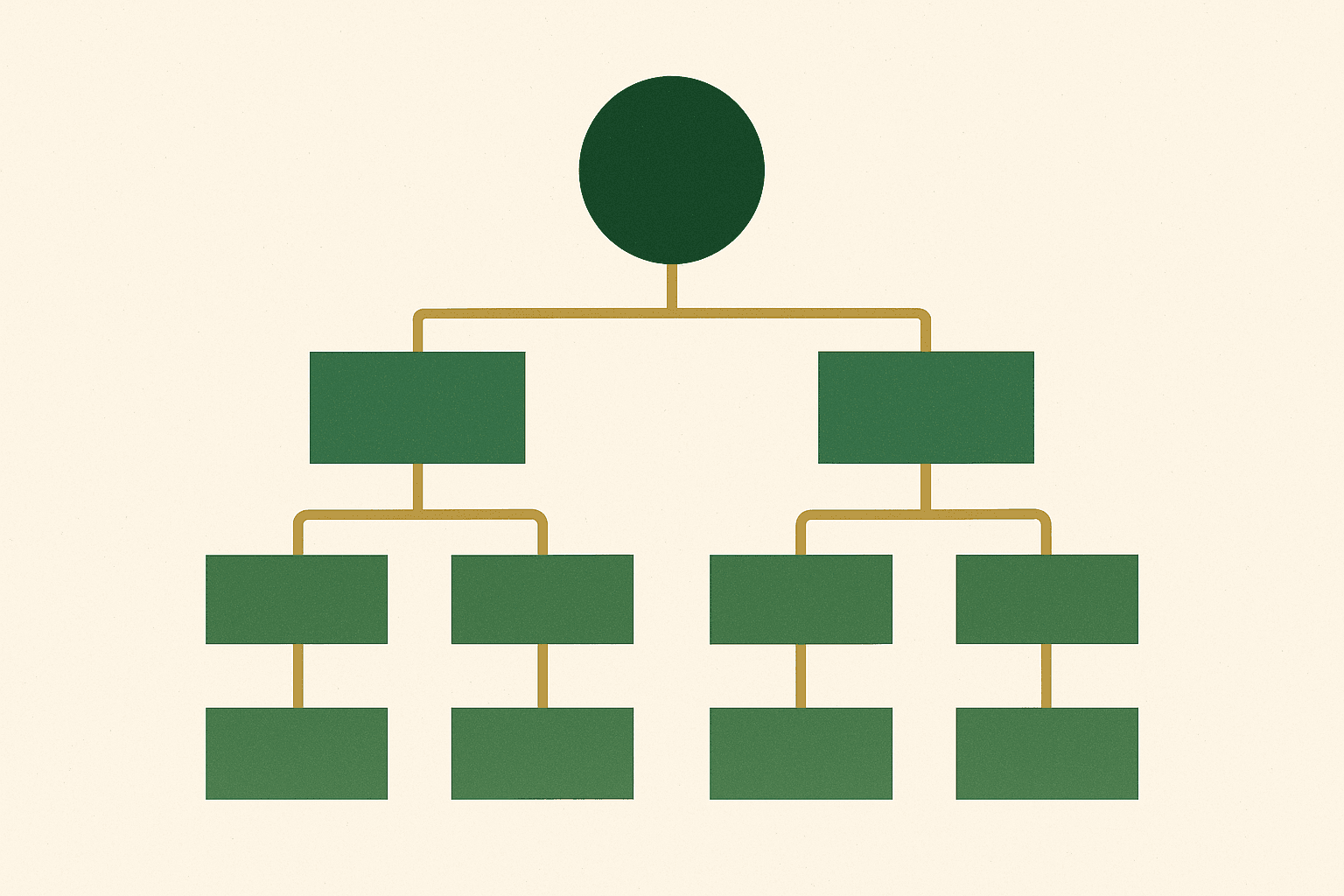
Verify that the navigation, breadcrumbs, footer links, and cross-links within content are all functioning correctly. The internal linking structure is how search engines discover and prioritise your pages. A broken internal linking architecture means some pages may never be found or crawled.
Schema and structured data
If your old site had structured data (Product schema, BreadcrumbList, FAQ schema), the new site needs to maintain it — preferably improved. If your old site did not have structured data, the migration is the perfect time to implement it.
Priority schema types for ecommerce
- Product schema — enables rich snippets with price, availability, and review stars
- BreadcrumbList schema — improves SERP display and site structure understanding
- Organization schema — establishes brand entity and knowledge panel eligibility
- FAQ schema — enables FAQ rich results on relevant pages
- AggregateRating schema — displays star ratings in search results
Validate all structured data using Google's Rich Results Test before and after migration. Compare the before and after to ensure nothing was lost.
Launch day: the SEO checklist
Launch day is stressful enough without SEO surprises. Here is the checklist we use for every migration launch:
- Verify all redirects are live and working. Test a sample of high-priority redirects manually and run automated tests against the full redirect map.
- Submit the new XML sitemap to Google Search Console. This triggers Google to discover and crawl the new URL structure.
- Request indexing for critical pages. Use Search Console's URL Inspection Tool to request indexing for your homepage, top collection pages, and top product pages.
- Verify canonical tags across page types. Check a sample of product, collection, blog, and page URLs.
- Confirm robots.txt is not blocking important content.
- Verify analytics tracking is working. Confirm GA4 is receiving data from the new site.
- Test structured data on key page types. Run Rich Results Test on product, collection, and homepage.
- Check for console errors. JavaScript errors can prevent content rendering and analytics tracking.
- Monitor server response times. The new platform should be faster than the old one.
- Set up 404 monitoring. Use Google Search Console and server logs to identify missing redirects quickly.
Post-migration monitoring and recovery
The weeks after launch are critical. You need to monitor closely and respond quickly to any issues.
Week 1: daily monitoring
- Check Google Search Console for crawl errors, 404 spikes, and indexation issues daily
- Monitor organic traffic in GA4 compared to the same period last year
- Review server logs for 404 errors and add missing redirects immediately
- Check that Google is discovering and indexing new URLs (use URL Inspection Tool)
Weeks 2-4: weekly monitoring
- Track ranking positions for your top 50 keywords
- Monitor indexed page count in Search Console (it should approach the old site's count)
- Review Core Web Vitals on the new platform
- Address any new crawl errors or warnings
Months 2-3: recovery assessment
- Compare organic traffic, impressions, and clicks to pre-migration baseline
- Identify pages that have not recovered and investigate individually
- Review backlink profile to ensure external links are resolving correctly
- Assess whether the migration created opportunities for further SEO improvement
This ongoing monitoring aligns with the broader principle that effective ecommerce SEO is a continuous process, not a one-off activity.

Migration SEO timeline
SEO work should start well before the development begins and continue for months after launch. Here is the timeline we follow:
| Phase | Timing | Key SEO activities |
|---|---|---|
| Pre-migration audit | 8-12 weeks before launch | Full site crawl, backlink audit, performance baseline, content export |
| URL mapping | 6-8 weeks before launch | Complete redirect map, URL structure decisions |
| Content migration | 4-6 weeks before launch | Product descriptions, meta data, blog content, image alt text |
| Technical configuration | 2-4 weeks before launch | Canonical tags, sitemap, robots.txt, schema, analytics |
| Pre-launch testing | 1 week before launch | Redirect testing, schema validation, crawl test |
| Launch | Day 0 | Redirect activation, sitemap submission, indexing requests |
| Post-launch monitoring | Weeks 1-12 | Error monitoring, ranking tracking, recovery assessment |
Shopify-specific migration considerations
When migrating to Shopify specifically, there are platform-specific considerations that affect SEO:
URL structure
Shopify uses a fixed URL structure: /products/handle for products, /collections/handle for collections, /blogs/blog-name/post-handle for blog posts, and /pages/handle for pages. You cannot change this structure. If your old platform used a different structure (which it almost certainly did), you need redirects for every URL.
Redirect implementation
Shopify supports URL redirects natively under Online Store > Navigation > URL Redirects. For bulk imports, use the CSV import function or the Shopify API. For complex redirect patterns (regex-based redirects), you may need a Shopify app or a reverse proxy configuration.
Theme SEO features
Not all Shopify themes handle SEO equally. Check that your chosen theme includes proper canonical tags, structured data output, breadcrumb markup, heading hierarchy, and lazy loading. Many premium themes claim SEO compliance but have significant gaps.
App impact on performance
Apps are one of the biggest performance risks in a Shopify migration. Every app adds JavaScript and HTTP requests. If you migrate from a platform where functionality was built-in to Shopify where it requires apps, your page speed may decrease. Plan your app stack carefully and test performance before launch.
For platform-specific migration guidance, see our guides on ecommerce migration checklists and migrating from Visualsoft to Shopify.

Protecting your organic investment
Your organic traffic is an asset that was built over months or years of SEO investment. A platform migration puts that asset at risk, but the risk is manageable with proper planning and execution. The key is treating SEO as a first-class concern in the migration project — not an afterthought handled in the final week.
The brands that emerge from platform migrations with their SEO intact (or improved) are the ones that invest in proper pre-migration auditing, comprehensive redirect mapping, content preservation, and diligent post-migration monitoring.
If you are planning a platform migration and want to ensure your SEO is protected, our SEO team works alongside our Shopify development team on every migration project. Start a conversation and we will walk you through our process.