Your homepage is the most visited page on your ecommerce store. It is also the page with the highest bounce rate for most brands. That is not a coincidence. The majority of ecommerce homepages make the same fundamental mistakes, and those mistakes cost real revenue every single day.
We have audited hundreds of ecommerce homepages over the past twenty years. The mistakes are remarkably consistent. They are not technical mysteries. They are design and strategy decisions that seem reasonable in isolation but fail when measured against actual user behaviour.
This article covers the eight most common homepage mistakes, why they hurt conversions, and exactly how to fix each one. These are not theoretical suggestions. They are patterns we have seen and corrected repeatedly across Shopify stores of all sizes.
Why your homepage matters more than you think
There is a school of thought that says homepages do not matter because most traffic lands on product or collection pages directly from search or ads. That is partially true for organic and paid traffic, but it misses several important points.
First, your homepage is where brand discovery traffic lands. People who hear about you through word of mouth, social media, PR, or podcasts typically type your brand name into Google and land on your homepage. These are high-intent visitors — they have already been pre-sold on your brand. If your homepage confuses or disappoints them, you are wasting the most valuable traffic source you have.
Second, your homepage sets the quality expectation for the entire site. A poor homepage makes visitors question the quality of your products, your service, and your professionalism. A strong homepage creates confidence that carries through to product pages and checkout.
Third, returning customers frequently start from the homepage. They are already familiar with your brand and products, but they use the homepage as a navigation hub. If the homepage makes it hard to find what they want, you are creating friction for your most valuable customer segment.
The data supports this. Across the stores we manage, homepage visitors who do not bounce convert at significantly higher rates than visitors who enter through other pages. The homepage is a qualifying mechanism — it either builds enough trust and interest for visitors to continue, or it does not.
Mistake 1: No clear value proposition
The most fundamental homepage mistake is failing to communicate what you sell, who it is for, and why someone should buy from you rather than anyone else. This sounds obvious, but visit ten random ecommerce homepages and you will find that at least half of them fail this test.
The typical symptom is a hero banner with a vague tagline like "Elevate Your Lifestyle" or "Discover the Difference" over an atmospheric photograph. It looks nice. It communicates nothing. A visitor landing on your homepage for the first time should understand within five seconds what you sell and what makes you different.
The fix: Write a clear, specific headline that describes your products and your differentiation. "Handmade Ceramic Tableware, Designed in Yorkshire" tells a visitor exactly what they will find. "Premium Dog Food Made With Real Ingredients, Delivered to Your Door" leaves no ambiguity. You can be creative with the language, but never at the expense of clarity.
Your value proposition should answer three questions: What do you sell? Who is it for? Why should I buy from you rather than somewhere else? If your homepage hero does not answer all three, rewrite it.
Mistake 2: Slow loading speed
A homepage that takes more than three seconds to load loses a significant percentage of visitors before they see any content. This is not speculation — Google's own research confirms that bounce probability increases dramatically with each additional second of load time.
The common causes of slow homepage loading are oversized hero images and videos, excessive third-party scripts from apps and tracking tools, render-blocking CSS and JavaScript, and unoptimised fonts. On Shopify specifically, too many apps loading scripts on every page is the most common culprit.
The fix: Compress and properly size all images. Use WebP format where supported. Lazy-load images below the fold. Audit your Shopify app stack and remove any apps that load scripts on the homepage but are not used there. Defer non-critical JavaScript. Use system fonts or limit web font weights. Test with Google PageSpeed Insights and aim for a performance score above 70 on mobile.
Page speed improvements have a compounding effect. Faster pages mean more visitors see your content, more visitors engage with your products, and more visitors convert. The ROI on speed optimisation is almost always positive.
Mistake 3: Confusing navigation
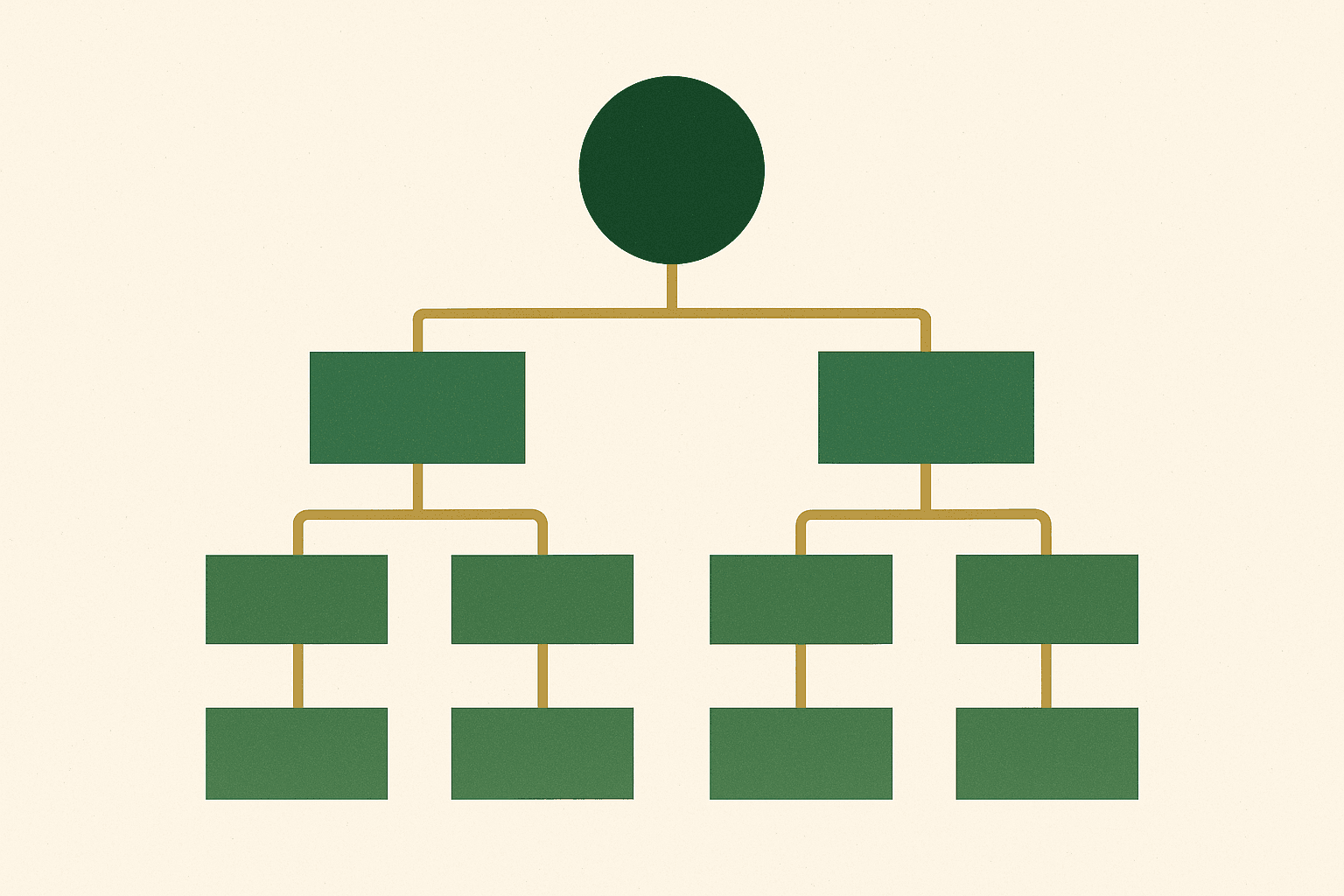
Navigation is the single most important functional element on your homepage. If visitors cannot find what they are looking for within a few seconds, they leave. The most common navigation mistakes are having too many top-level menu items, using jargon or brand-specific terminology that new visitors do not understand, and hiding important categories in sub-menus.
We regularly see stores with 12+ items in their main navigation. This creates decision paralysis. Research consistently shows that reducing the number of navigation options improves click-through rates on those options.
The fix: Limit your top-level navigation to 5-7 items. Use clear, descriptive labels that any visitor would understand. Group related sub-categories logically. Ensure your search function is prominent and works well — many visitors prefer to search rather than browse, especially on mobile. See our guide to optimising ecommerce navigation for a detailed walkthrough.
Test your navigation with someone who has never visited your store. Ask them to find a specific product. If they struggle, your navigation needs work.
Mistake 4: Too many competing calls to action
When everything on your homepage is shouting for attention, nothing gets attention. A common pattern is a hero banner with a CTA, a pop-up for email signup, a notification bar for a sale, a chat widget, a cookie banner, and sticky add-to-cart buttons all fighting for the visitor's eye simultaneously.
Each individual element might be justified. Together, they create sensory overload that makes it harder, not easier, for visitors to take any action at all.
The fix: Establish a clear visual hierarchy. Your primary CTA (typically "Shop Now" or a link to your bestselling collection) should be the most prominent element. Secondary elements should be visually subordinate. Delay non-essential interruptions — do not show an email popup within the first 30 seconds. And never stack more than one overlay (popup, notification bar, cookie consent) at the same time.
Think of your homepage as a conversation with a new visitor. You would not talk to someone about five different things simultaneously. Lead with one clear message and guide them logically through the rest.
Mistake 5: No social proof above the fold
New visitors do not trust you. That is not personal — they do not trust any brand they have not bought from before. Social proof is the fastest way to bridge the trust gap, and most homepages either omit it entirely or bury it far below the fold where few visitors scroll.
Social proof includes customer reviews and ratings, press mentions, number of customers served, trust badges (payment security, SSL, industry certifications), and user-generated content. The most effective form is aggregated review scores — "4.8 out of 5 from 2,500 reviews" communicates trust instantly.
The fix: Add at least one social proof element above the fold. An aggregated star rating, a recognisable press logo strip ("As seen in..."), or a concise customer testimonial. Below the fold, include a more detailed social proof section with individual reviews or a UGC gallery. The key is making sure first-time visitors see evidence of trust before they have to scroll.
Social proof is not vanity. It is the mechanism by which new visitors decide whether to invest their time exploring your products or leave for a brand they already know.
Mistake 6: Generic hero imagery
Stock photography on an ecommerce homepage is an immediate credibility killer. Visitors can spot stock images, and they associate them with businesses that are either too new, too cheap, or too lazy to invest in authentic imagery. Even worse is using the same lifestyle stock photos that dozens of other brands in your category are using.
The hero image or video is the first visual impression a visitor gets of your brand. It should show your actual products, in authentic settings, photographed or filmed to a professional standard. If you sell physical products, there is no substitute for showing those products.
The fix: Invest in professional product photography and lifestyle photography that features your actual products. If budget is tight, start with clean product photography on a plain background — it is more credible than stock images. User-generated content can also work well as hero imagery, particularly for brands with strong customer communities.
Your hero image should make a visitor think "I want that" or at minimum "I want to see more." If it does not provoke either response, it is not doing its job.
Mistake 7: Ignoring mobile layout
More than 65% of ecommerce traffic comes from mobile devices. Yet many brands design their homepage on a desktop monitor and treat mobile as an afterthought. The result is a mobile homepage where hero text is too small to read, images are cropped awkwardly, navigation is difficult to use, and the scroll depth to reach products is excessive.
Mobile visitors have less patience, smaller screens, and are more likely to be multitasking. Your mobile homepage needs to work harder to communicate your value proposition quickly and provide fast paths to products.
The fix: Design mobile-first or at least test mobile layouts with equal rigour. Ensure your hero text is legible on a 375px-wide screen. Keep your primary CTA and product links within the first screen view. Reduce the number of sections on mobile — not every desktop section needs a mobile equivalent. Test on real devices, not just browser emulators. See our guide to web design for more on responsive ecommerce design.
An easy test: open your homepage on your phone. Can you understand what you sell and find a product within ten seconds? If not, your mobile homepage needs attention.
Mistake 8: No clear path to products
Some ecommerce homepages are so focused on brand storytelling, promotions, and content that they forget their primary purpose: getting visitors to product pages where they can buy things. If a visitor has to scroll through three hero banners, a brand story section, and an Instagram feed before they see a single product, you have prioritised the wrong things.
The homepage should function as an efficient sorting mechanism that helps visitors find the products they are most likely to buy. For new visitors, that means featuring bestsellers, new arrivals, or curated collections. For returning visitors, that might mean personalised recommendations or recently viewed products.
The fix: Feature products within the first two scroll depths of your homepage. Use collection links with clear product imagery. Consider a "Bestsellers" or "Most Popular" section near the top — it works as both social proof and product discovery. Every section of your homepage should either build trust or move visitors closer to a product page. Sections that do neither should be removed.
Count the number of scroll depths on your homepage before a visitor sees a purchasable product. If it is more than two, you probably need to restructure. The sooner visitors see products, the sooner they start shopping.
How to audit and fix your homepage
If you recognise several of these mistakes on your own homepage, here is a practical approach to fixing them:
- Record user sessions. Install a session recording tool like Hotjar or Microsoft Clarity and watch how real visitors interact with your homepage. You will see exactly where they get confused, where they scroll to, and where they drop off.
- Check your analytics. Look at homepage bounce rate, scroll depth, and click-through rates on key CTAs. Identify the biggest drop-off points.
- Prioritise by impact. Fix the mistakes that affect the most visitors first. If your homepage bounce rate is 70%, the above-the-fold experience is the priority. If people are scrolling but not clicking, your CTAs and product paths need work.
- Test changes systematically. Make one change at a time and measure the impact. If you change five things simultaneously, you will not know which change drove the improvement (or made things worse).
- Review monthly. Your homepage is not a set-and-forget page. Review its performance monthly and make iterative improvements based on data. Read more about why CRO is an ongoing process.
The common thread across all eight mistakes is a failure to prioritise the visitor's needs over the brand's preferences. Your homepage exists to serve visitors, not to showcase every initiative your marketing team is running. When you reorient your homepage around what visitors need to see to make a buying decision, conversion rates improve.
Your homepage is doing a job. It is either doing that job well — qualifying visitors, building trust, and directing people to products — or it is doing it poorly and costing you revenue every day. Most of the fixes above are not technically complex. They are strategic decisions about clarity, priority, and user experience.
If you want a professional audit of your ecommerce homepage with specific, prioritised recommendations, get in touch. We will tell you exactly what is working, what is not, and what to fix first.